8BitDo Ultimate 2C Wireless Controller
Hall-effect sticks, extra L4/R4 bumpers, and low-latency 2.4G wireless input recognized directly by Savage Wind Recomp's SDL3 gamepad layer.
Direct engineering workarounds for Intel shared-memory crashes, high-FPS cutscene stalls, Divine Beast infinite loads, AMD shader caches, DLSS greyed-out modes, and log collection.
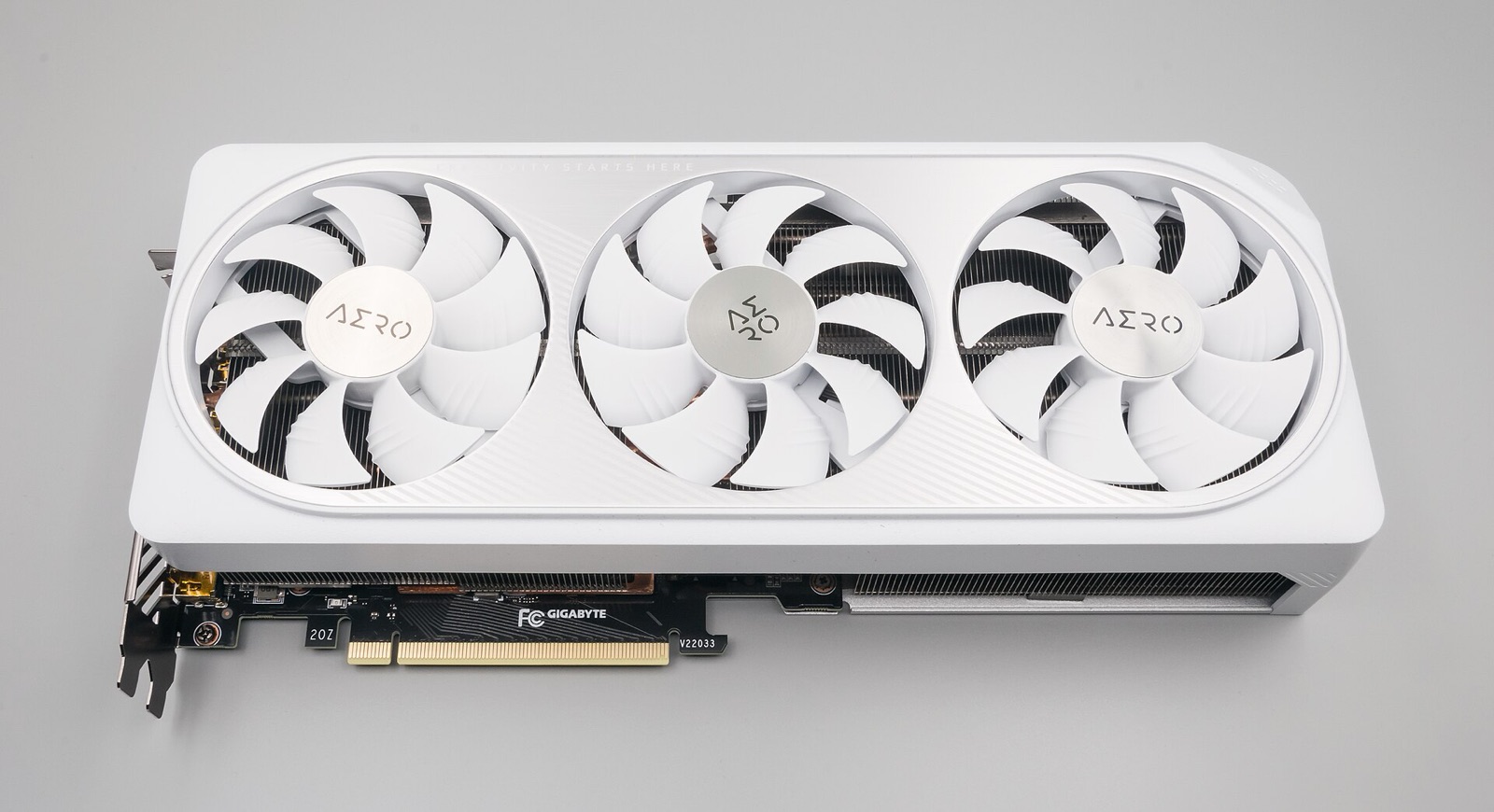
Apply these exact upstream fixes before opening a new ticket on Revivedx/SavageWindRecomp.
| Symptom or error message | Root cause | Verified fix |
|---|---|---|
exception c0000005 crash on Intel Iris Xe, Intel Arc, or shared-RAM iGPUs | Vulkan sparse-residency heap binding faults on shared system-memory drivers (#596, #619) | Close the game, open savagewind.ini, set sparse_heap = off (or add SAVAGEWIND_VK_SPARSE_HEAP=0 in Launch options), and restart. |
| Infinite loading screen right after boarding a Divine Beast | Expansion Pass DLC files were merged directly into romfs/ (~47,700 files instead of 41,062) (#663) | Re-run Set up game files with a clean 41,062-file romfs/ and keep DLC in separate aoc1/ and aoc2/ folders. Your saves stay intact. |
| Scripted cutscene freezes, horse dismount fails, or Game Over text stalls | Original engine logic written for 30 FPS console timing (#425, #482, #625) | Temporarily set frame_rate = 30 in Options for that scene, save afterward, and restore 60-120+ FPS. |
| Black window on startup with an AMD Radeon GPU on Windows | Corrupted Adrenalin Vulkan shader cache carried over from an earlier build | In AMD Software: Adrenalin Edition, open Gaming > Graphics > Advanced > Reset Shader Cache, or rename the Savage Wind folder. |
| DLSS Upscaling Mode is greyed out on an RTX GPU (such as RTX 50-series) | Driver-store _nvngx.dll missing Vulkan entry points in log ([dlss] ... lacks Vulkan entry points, #892) or library not yet fetched | Confirm dlss_download = 1 in Savage Wind Configuration; if your driver build disables NGX Vulkan entry points, switch upscaler = fsr3 with upscaler_quality = quality or native until updated drivers land. |
| Setup stops at 5% or 10% ('The game code didn't build') | Insufficient disk space, folder inside Program Files / OneDrive, or antivirus quarantining Zig/compiler binaries (#618) | Move Savage Wind to C:\Games\SavageWind with at least 20 GB free, exclude the folder from Windows Defender / OneDrive sync, and retry. |
| Repeated shader stutters on every boot with an NVIDIA card | Small default NVIDIA driver shader cache evicting compiled SPIR-V between sessions (#468) | In NVIDIA Control Panel > Manage 3D Settings > Shader Cache Size, raise the limit to 10 GB or Unlimited. |
| Game fails to start after testing an experimental launch option | Invalid or developer-only flag stored inside launch-flags.txt | Run savagewind.exe --config (which always ignores launch flags), or start once with --no-launch-flags, or delete launch-flags.txt. |
Upstream reviews every issue with a small maintainer team, and tickets missing logs are closed automatically after 24 hours. Before submitting:
savagewind.log and your encountered Vulkan pipeline list.save/ folder too.#589, high-FPS physics bugs on #425, and gyro controller tests on #136. Never attach game files or keys.# In-game function shortcuts:
F1 Open Savage Wind overlay (Settings, Cheats, Assists)
F10 Cycle performance overlay (Off -> FPS -> Full + XYZ coords)
F12 Developer console (type 'report' to copy system summary)
Esc Release captured mouse cursor
# Log file locations (overwritten on each launch; prior run is .prev.log):
Windows: <Savage Wind folder>\savagewind.log
Linux: ~/.local/share/savagewind/savagewind.log
Updater: <Savage Wind folder>\SW Update.log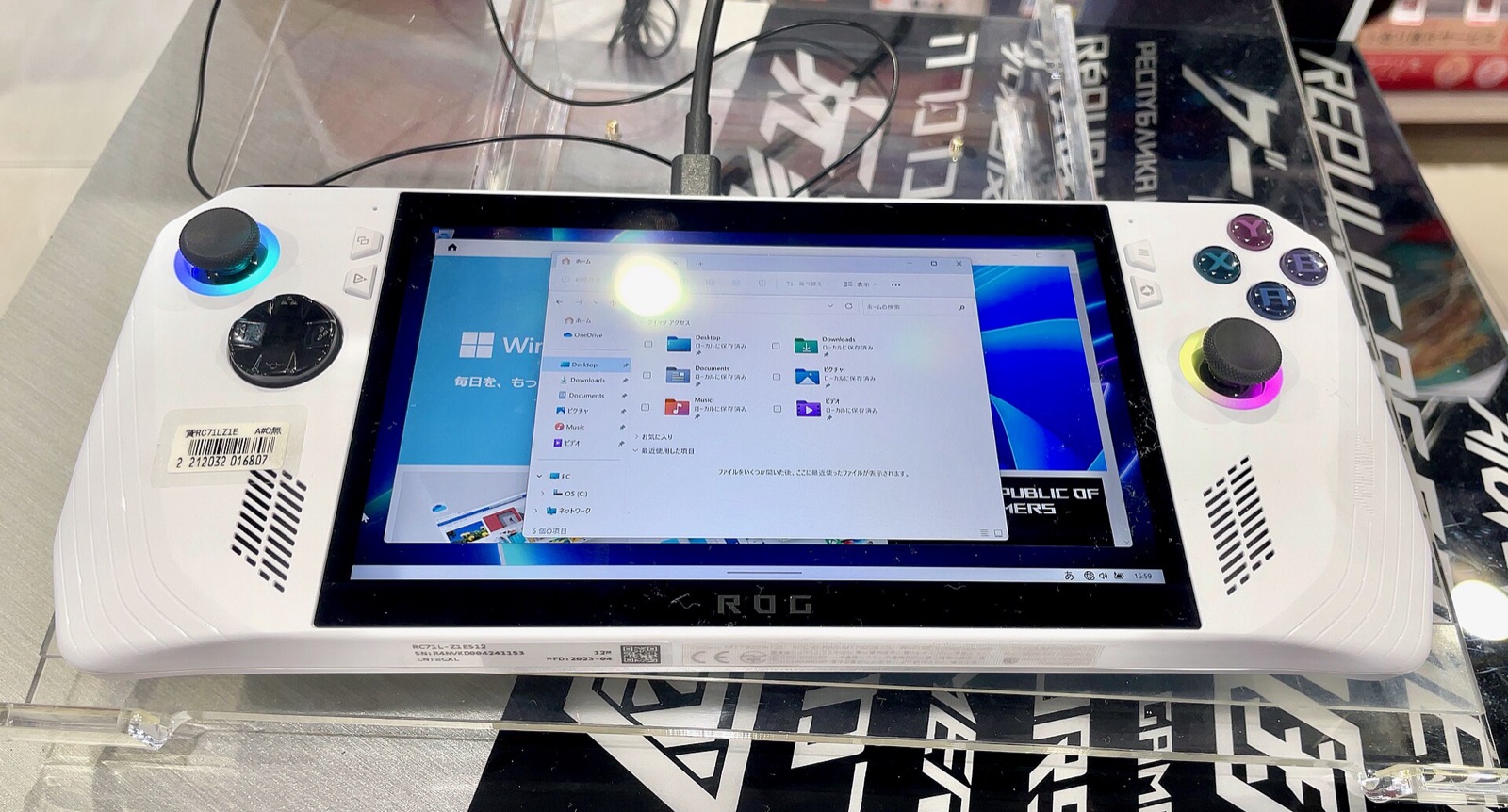
Pre-selected for Intel Arc / Iris Xe shared-memory GPUs (sparse_heap = off and 30 FPS Potato stability). Switch profiles to match your hardware.
# Savage Wind settings (save next to savagewind.exe or in ~/.local/share/savagewind/savagewind.ini)
settings_version = 4
fullscreen = 1
fullscreen_mode = borderless
display = auto
gpu = auto
window_size = 2560x1440
frame_rate = 60
vsync = fast
upscaler = dlss
upscaler_quality = quality
render_scale = 100
antialias = smaa
game_fxaa = 0
anisotropy = 16x
shadow_resolution = ultra
draw_distance = high
wide_view = 1
hdr = auto
sparse_heap = auto
dlss_download = 1
precompile_shaders = 1
async_shaders = 1
button_icons = auto
button_layout = auto
pc_gyro = 1# NVIDIA DLSS library is fetched automatically by Savage Wind Configuration
# Offline fallback: place nvngx_dlss.dll next to savagewind.exe
# Optional launch-flags.txt entries (one NAME=value per line in data folder):
SAVAGEWIND_GPU=auto
# Safe recovery if a test launch flag misbehaves:
savagewind.exe --config
savagewind.exe --no-launch-flagsAbove 60 FPS, if a specific scripted cutscene or physics puzzle stalls, temporarily set frame_rate = 30 for that scene and restore your target cap afterward.
Savage Wind Recomp uses SDL3 to read native gyroscopes, Steam Input hidden sensors, and Cemuhook DSU servers while matching on-screen button prompts automatically.
Hall-effect sticks, extra L4/R4 bumpers, and low-latency 2.4G wireless input recognized directly by Savage Wind Recomp's SDL3 gamepad layer.
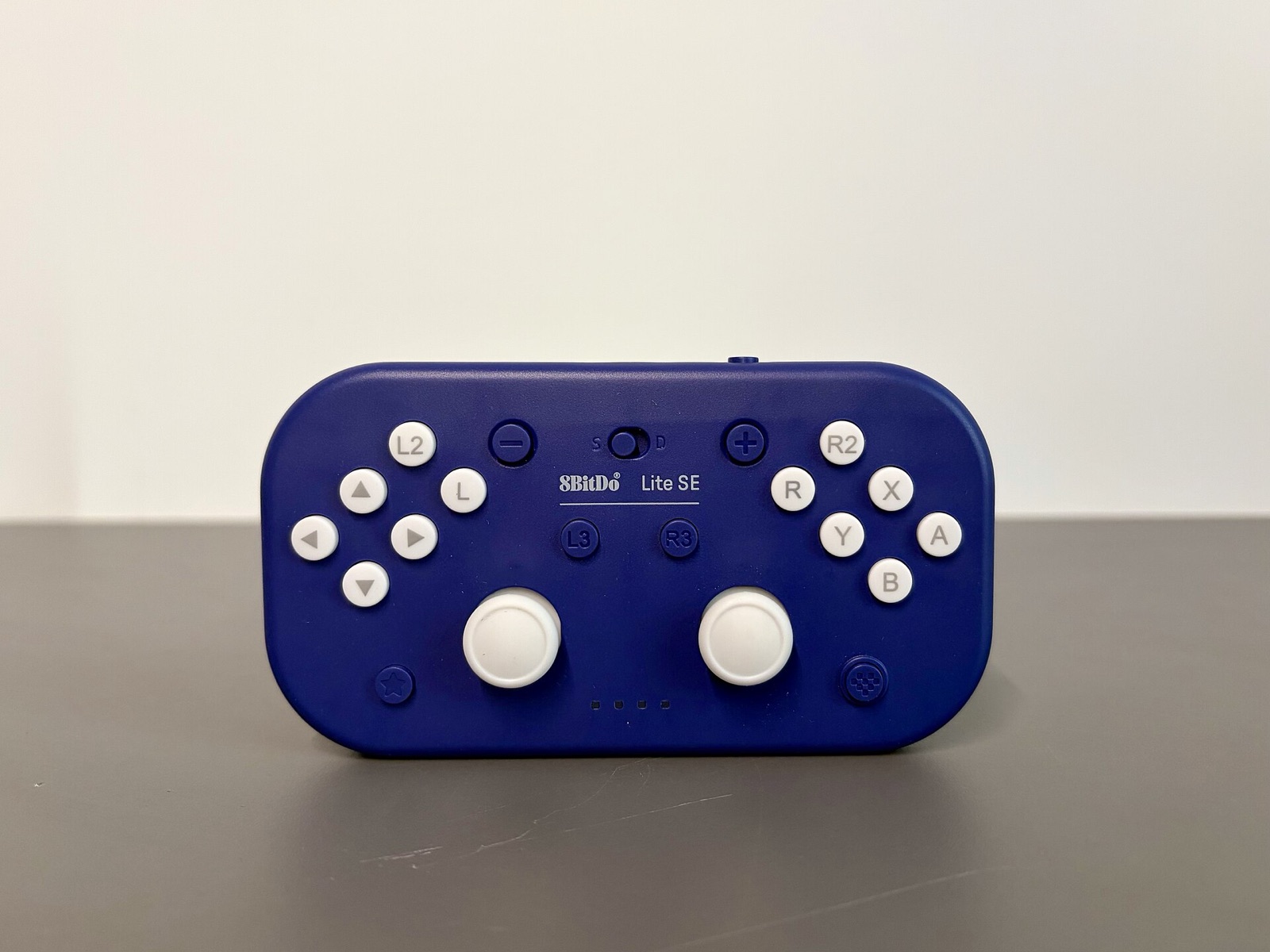
Drift-free Hall sensors, swappable ABXY layout (button_layout = nintendo or xbox), and Switch-mode gyro for bow aiming and tilt shrines.
Symmetrical dual-stick controller with hardware Switch/X-Input mode switch, native 6-axis motion sensors over Bluetooth, and rear paddles for sprint/jump.
TMR electromagnetic sticks, 1000 Hz polling with gyro deduplication support, and native Switch Pro motion reporting on Windows and Linux.
Affiliate disclosure: As an Amazon Associate, savagewindrecomp.wiki earns from qualifying purchases at no added cost to you.
Direct technical answers grounded in the upstream SavageWindRecomp repository and documentation.
Cloud-sync clients such as OneDrive or aggressive real-time antivirus hooks can lock save files mid-write. Move your Savage Wind directory to a non-synced path like C:\Games\SavageWind and add an antivirus folder exclusion.
Open savagewind.log and inspect the [vk] gpu 0 and [vk] gpu 1 startup lines. Then set gpu = 0 or gpu = 1 inside savagewind.ini (or pass SAVAGEWIND_GPU=0 for a single run) instead of gpu = auto.
Long-session memory growth is an actively tracked alpha issue (#640, #525). Save periodically during multi-hour sessions and restart the executable to clear accumulated allocations.
Check Options > Controls > Motion source first: it states live whether motion comes from SDL Controller, DSU server (127.0.0.1:26760), or Off. For deeper diagnostics, add SAVAGEWIND_MOTION_LOG=1 in Launch options and inspect [motion] and [dsu] lines in savagewind.log.