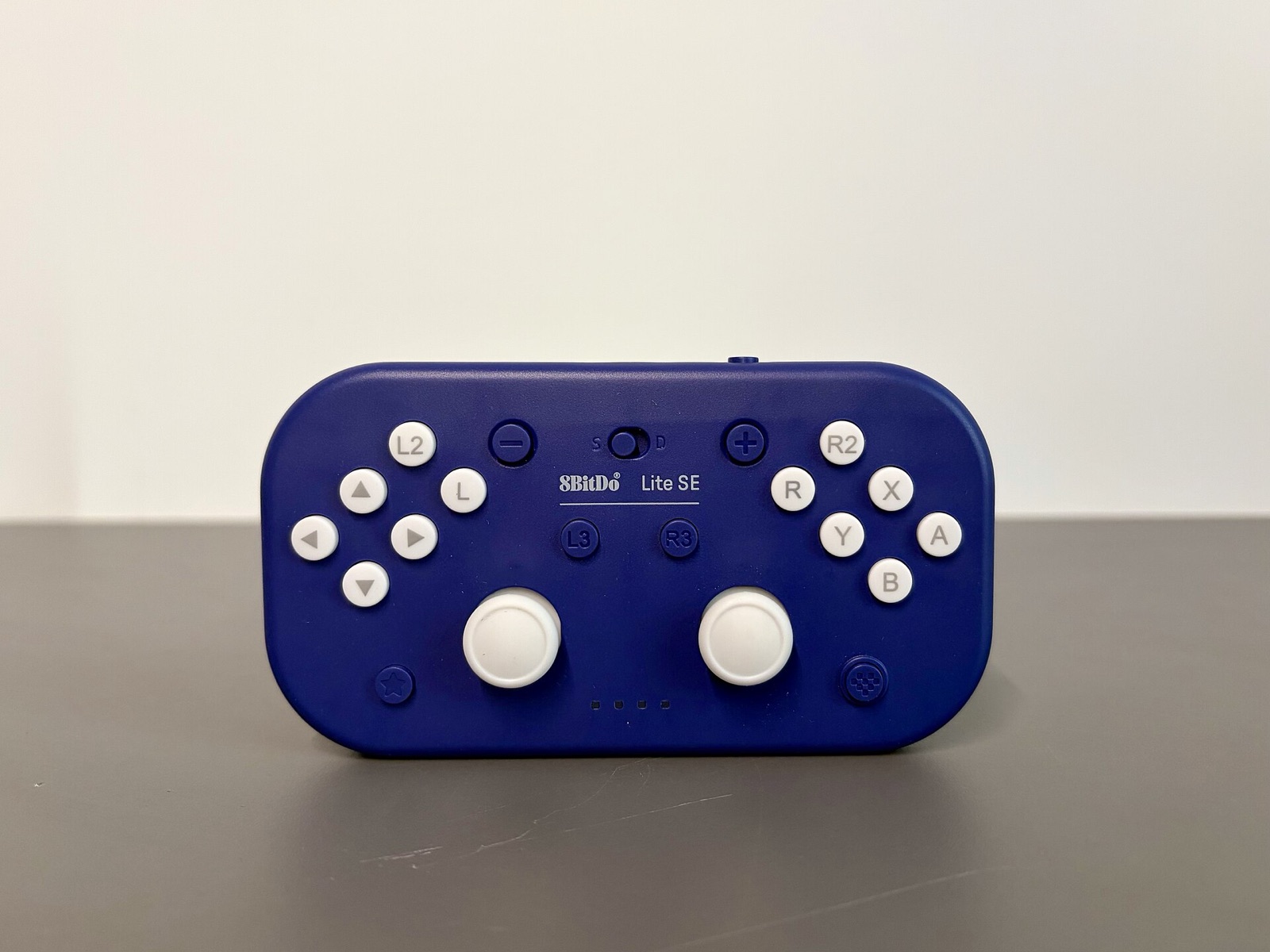
8BitDo Ultimate 2C Wireless Controller
Hall-effect sticks, extra L4/R4 bumpers, and low-latency 2.4G wireless input recognized directly by Savage Wind Recomp's SDL3 gamepad layer.
Run SavageWindRecomp natively on SteamOS and x86-64 Linux distributions via AppImage with Mesa RADV Vulkan 1.3, dma-buf GPU memory mapping, and Cemuhook DSU motion aiming.
Upstream builds the Linux release inside an Ubuntu 22.04 container bundling SDL3, LGPL FFmpeg video codecs, shaderc, and the Zig/Clang recompiler helper while linking directly against your host Vulkan loader and Mesa/NVIDIA GPU driver.
chmod +x Savage_Wind-*-x86_64.AppImage
./Savage_Wind-*-x86_64.AppImage

# Open Savage Wind Configuration directly at any time:
./Savage_Wind-*-x86_64.AppImage --config

# Fallback on minimal distros without fuse3 / fusermount3:
./Savage_Wind-*-x86_64.AppImage --appimage-extract-and-run
All writable runtime state lives in ~/.local/share/savagewind/ (extracted/, save/, cache/, savagewind.ini, and savagewind.log). To store the ~20 GB data folder on a microSD card or secondary NVMe mount, launch through a shell wrapper exporting SAVAGEWIND_DATA_ROOT="/run/media/deck/SDCard/savagewind".
shadow_resolution = console on Steam Deck to avoid RADV shadow-map artifacts while holding a steady 30-40 FPS on the Great Plateau.When launched from Steam with Steam Input active, Steam exposes a virtual gamepad without raw IMU sensors unless SDL hidraw or a local Cemuhook DSU server is active.
Switch to Desktop Mode, install SteamDeckGyroDSU, and verify in Konsole with systemctl --user status sdgyrodsu.service that UDP endpoint 127.0.0.1:26760 is active.
Add Savage_Wind-*-x86_64.AppImage as a non-Steam game. Do not tick Force the use of a specific Steam Play compatibility tool; leave Proton disabled so Linux runs natively.
Linux defaults to SAVAGEWIND_DSU=auto, preferring fresh SDL gyro/accelerometer samples and falling back to 127.0.0.1:26760. Set Steam launch options to SAVAGEWIND_DSU=on %command% if you want explicit discovery.
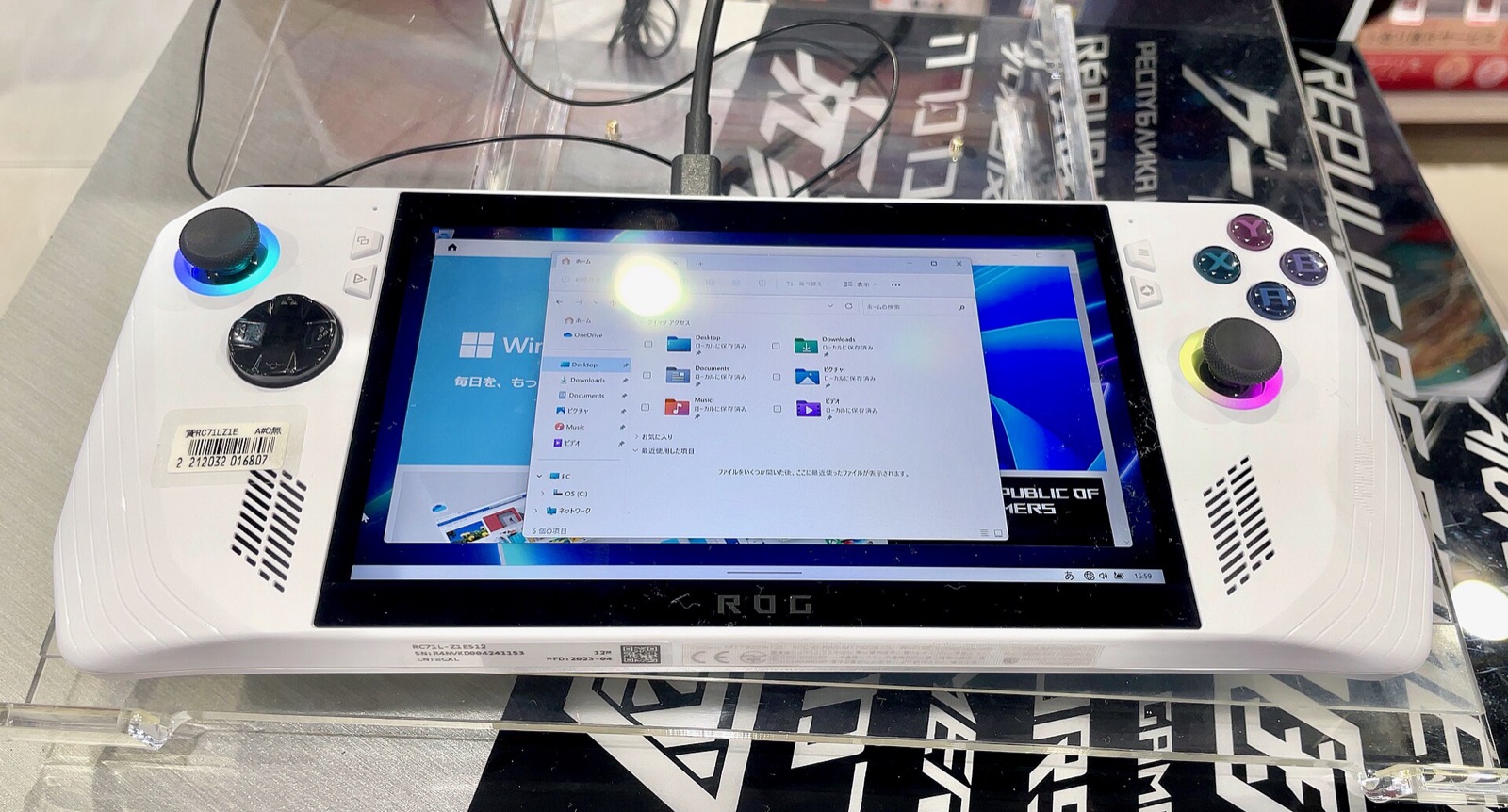
Pre-selected for Steam Deck 1280x800 (shadow_resolution = console, 40 FPS cap, and SteamOS launch flags). Adjust for desktop Linux or ARM64 boards below.
# Savage Wind settings (save next to savagewind.exe or in ~/.local/share/savagewind/savagewind.ini)
settings_version = 4
fullscreen = 1
fullscreen_mode = borderless
display = auto
gpu = auto
window_size = 2560x1440
frame_rate = 60
vsync = fast
upscaler = dlss
upscaler_quality = quality
render_scale = 100
antialias = smaa
game_fxaa = 0
anisotropy = 16x
shadow_resolution = ultra
draw_distance = high
wide_view = 1
hdr = auto
sparse_heap = auto
dlss_download = 1
precompile_shaders = 1
async_shaders = 1
button_icons = auto
button_layout = auto
pc_gyro = 1# NVIDIA DLSS library is fetched automatically by Savage Wind Configuration
# Offline fallback: place nvngx_dlss.dll next to savagewind.exe
# Optional launch-flags.txt entries (one NAME=value per line in data folder):
SAVAGEWIND_GPU=auto
# Safe recovery if a test launch flag misbehaves:
savagewind.exe --config
savagewind.exe --no-launch-flagsAbove 60 FPS, if a specific scripted cutscene or physics puzzle stalls, temporarily set frame_rate = 30 for that scene and restore your target cap afterward.
Upstream cross-compiles Savage_Wind-*-aarch64.AppImage where guest ARM64 FP/SIMD instructions emit inline assembly rather than x86-64 intrinsics. Because maintainer hardware is x86-64, real-hardware telemetry from Raspberry Pi 5, Snapdragon X Elite Linux laptops, and Asahi Linux (4K and 16K page kernels) drives ARM64 progress.
uname -r, getconf PAGESIZE, vulkaninfo --summary, and ~/.local/share/savagewind/savagewind.log.-ex 'handle SIGSEGV nostop noprint pass' because the runtime intentionally uses SIGSEGV for guest memory watches.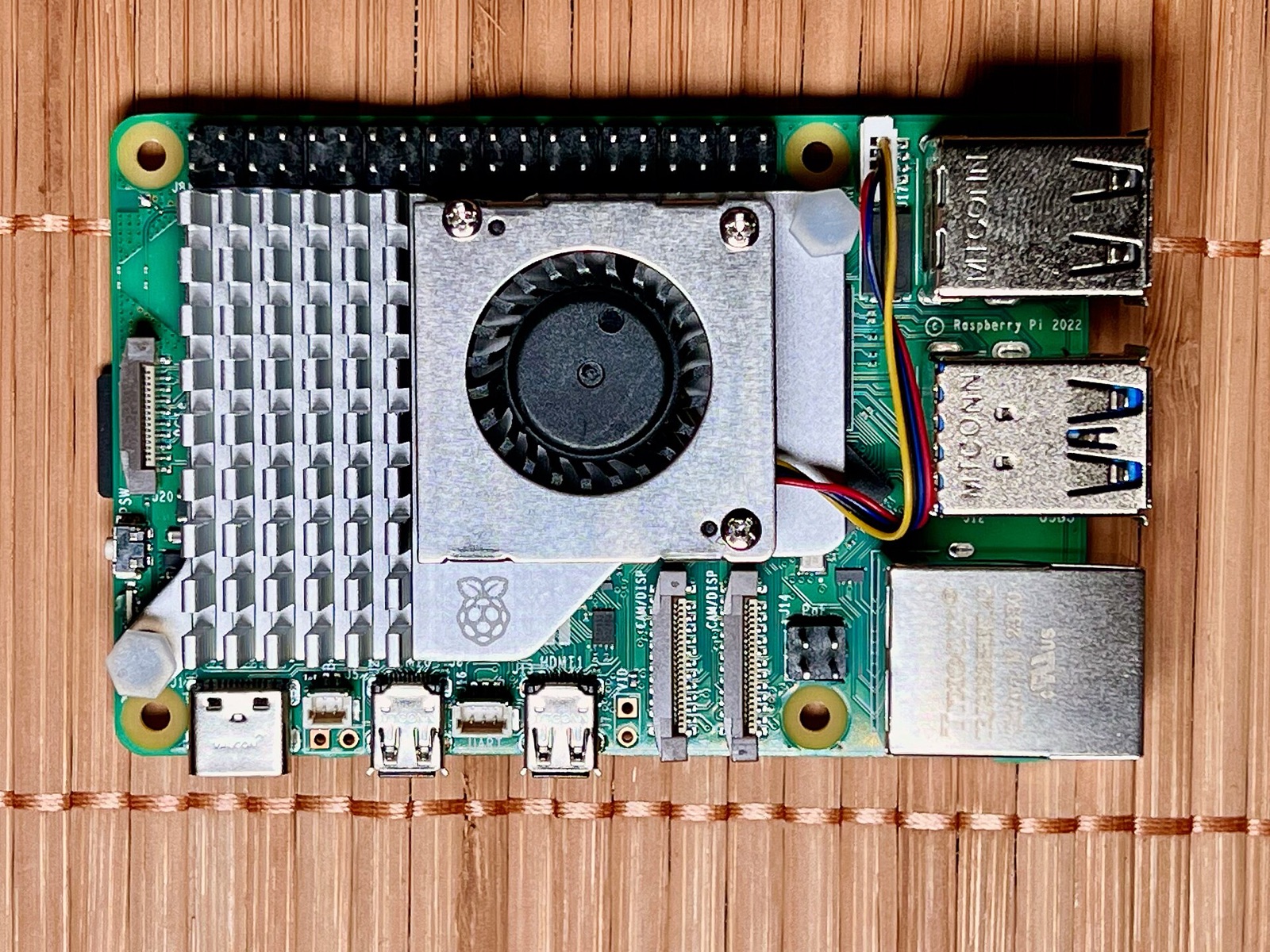
Savage Wind Recomp uses SDL3 to read native gyroscopes, Steam Input hidden sensors, and Cemuhook DSU servers while matching on-screen button prompts automatically.
Hall-effect sticks, extra L4/R4 bumpers, and low-latency 2.4G wireless input recognized directly by Savage Wind Recomp's SDL3 gamepad layer.
Drift-free Hall sensors, swappable ABXY layout (button_layout = nintendo or xbox), and Switch-mode gyro for bow aiming and tilt shrines.
Symmetrical dual-stick controller with hardware Switch/X-Input mode switch, native 6-axis motion sensors over Bluetooth, and rear paddles for sprint/jump.
TMR electromagnetic sticks, 1000 Hz polling with gyro deduplication support, and native Switch Pro motion reporting on Windows and Linux.
Affiliate disclosure: As an Amazon Associate, savagewindrecomp.wiki earns from qualifying purchases at no added cost to you.
Direct technical answers grounded in the upstream SavageWindRecomp repository and documentation.
No. Running the Windows build through Wine or Proton is explicitly unsupported upstream (#366). Always run the native x86_64.AppImage directly on SteamOS for lower CPU overhead and proper dma-buf Vulkan memory mapping.
Without system CJK TrueType fonts, the game's font engine cannot parse OpenType CFF fonts like Noto Sans CJK. Install a TrueType font such as WenQuanYi Micro Hei (wqy-microhei.ttc) or point SAVAGEWIND_CJK_FONT to a .ttf/.ttc file.
Pass --config to the AppImage (./Savage_Wind-*-x86_64.AppImage --config) or right-click its desktop entry in AppImageLauncher / Gear Lever and pick Savage Wind Configuration.
In SteamOS Desktop Mode, Steam applies its desktop chord/mouse layout while Steam runs in the background. Either launch from Gaming Mode with a standard Gamepad template or close Steam while testing in Desktop Mode.