8BitDo Ultimate 2C Wireless Controller
Hall-effect sticks, extra L4/R4 bumpers, and low-latency 2.4G wireless input recognized directly by Savage Wind Recomp's SDL3 gamepad layer.
Savage Wind Recomp (Revivedx/SavageWindRecomp) is an open-source, MIT-licensed static recompilation of The Legend of Zelda: Breath of the Wild (Switch v1.9.0) into a native Windows and Linux Vulkan 1.3 executable built locally from your own legally owned game files.
This widget loads the verified SHA-256 baseline immediately and syncs directly with Revivedx/SavageWindRecomp GitHub Releases in your browser so tags, byte counts, and download links stay current automatically.
Supported Windows 10/11 x86-64 build (Vulkan 1.3, SSE4.2+, 16 GB RAM). Extract to a writable folder outside Program Files, select your Switch v1.9.0 exefs/ and romfs/ folder, and compile locally once.
Live SHA-256 digest
9bfc05217ed7e69001e02dee7ae9a6070a23b68cfbf946f23727f0767d4c28f8Local setup sequence
Extract zip to C:\Games\SavageWind -> Launch savagewind.exe -> Select your Switch v1.9.0 folder (exefs/ + romfs/) -> Set up game filesPlayers searching for a native Breath of the Wild Recomp or BotW Recompiled PC port find a fundamentally different execution model from traditional console emulation.
Instead of translating Switch CPU instructions frame by frame during gameplay, SavageWindRecomp lifts the Switch v1.9.0 main, sdk, and subsdk0 modules into C once on your machine and compiles a native swgame library with its bundled Zig/Clang toolchain.
The runtime replaces Horizon OS kernel services, audio mixing, and file I/O natively while translating Switch NVN calls and Maxwell shaders to Vulkan 1.3 with over 11,600 pre-warmed pipeline states to suppress first-visit traversal stutter.
Built on MIT-licensed LAS Recomp with TotK Recomp and Ryujinx as technical references, the repository ships zero Nintendo code, assets, or cryptographic keys. Your own files stay untouched.
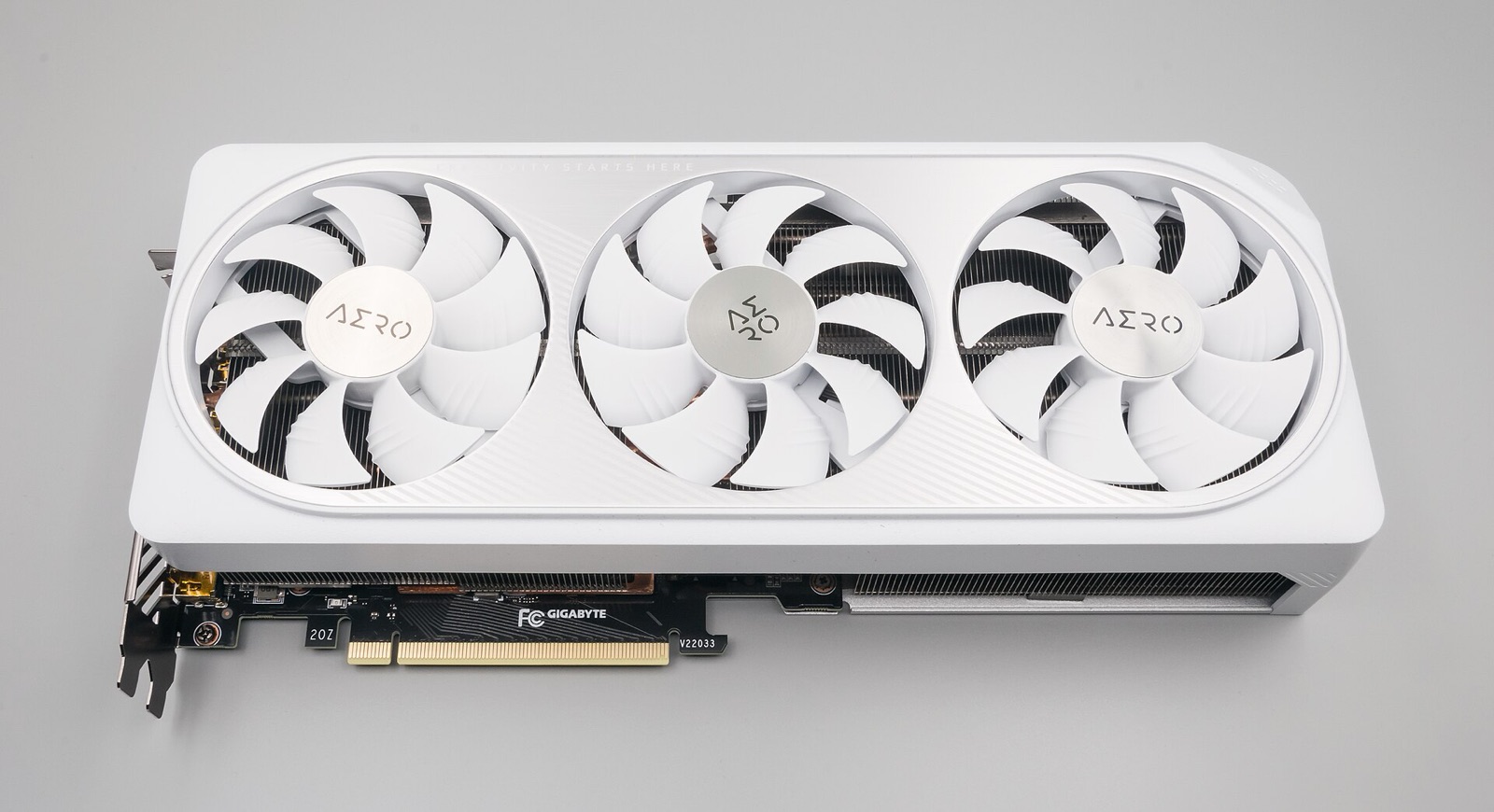
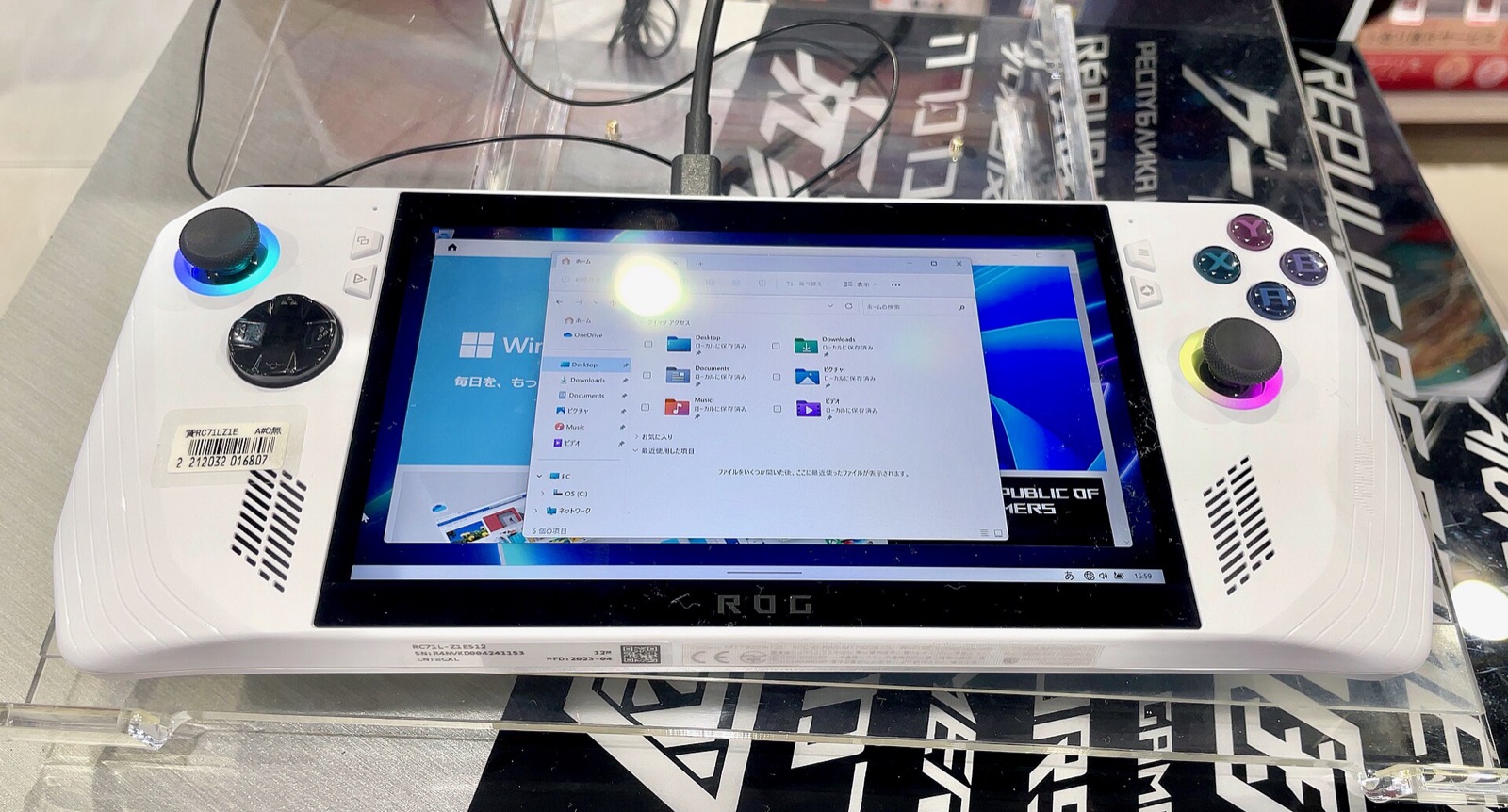
Every subsystem in Savage Wind Recomp is engineered for desktop monitors, high-refresh OLED televisions, and portable Linux handhelds.
Render scale from 50% to 200% keeps 2D menus crisp while wide_view = 1 expands hor+ field of view across 21:9, 32:9, and 16:10 displays.
CNN model on RTX 20/30, Transformer model on RTX 40+, and threaded motion vectors for AMD FSR 3, FSR 4, and frame generation.
Replaces the clipped 8-bit tonemap with RGBA16F pipelines, PsychoV highlight roll-off, MacLeod-Boynton hue preservation, and 203-nit HGIG UI white.
Direct 1:1 mouse camera without acceleration alongside native DualSense, Switch Pro, Steam Input, and 127.0.0.1:26760 DSU motion aiming.
Choose your GPU driver, screen ratio, visual target, and controller layout to generate a valid flat savagewind.ini file matching runtime/settings.c.
# Savage Wind settings (save next to savagewind.exe or in ~/.local/share/savagewind/savagewind.ini)
settings_version = 4
fullscreen = 1
fullscreen_mode = borderless
display = auto
gpu = auto
window_size = 2560x1440
frame_rate = 60
vsync = fast
upscaler = dlss
upscaler_quality = quality
render_scale = 100
antialias = smaa
game_fxaa = 0
anisotropy = 16x
shadow_resolution = ultra
draw_distance = high
wide_view = 1
hdr = auto
sparse_heap = auto
dlss_download = 1
precompile_shaders = 1
async_shaders = 1
button_icons = auto
button_layout = auto
pc_gyro = 1# NVIDIA DLSS library is fetched automatically by Savage Wind Configuration
# Offline fallback: place nvngx_dlss.dll next to savagewind.exe
# Optional launch-flags.txt entries (one NAME=value per line in data folder):
SAVAGEWIND_GPU=auto
# Safe recovery if a test launch flag misbehaves:
savagewind.exe --config
savagewind.exe --no-launch-flagsAbove 60 FPS, if a specific scripted cutscene or physics puzzle stalls, temporarily set frame_rate = 30 for that scene and restore your target cap afterward.
Whether you are migrating a Wii U or Cemu save profile, configuring SteamDeckGyroDSU on SteamOS, or diagnosing shared-memory Vulkan crashes on Intel Iris Xe, follow our verified engineering guides:
exefs/, romfs/ (41,062 files), and separate aoc1/ + aoc2/ DLC v3.0 folder rules.x86_64.AppImage permissions, RADV dma-buf heap, DSU gyro, and experimental aarch64.AppImage testing.SAVAGEWIND_* launch flags.BOTWRecompAndroid.sparse_heap = off, 30 FPS cutscene fallback, AMD shader cache reset, and log collection.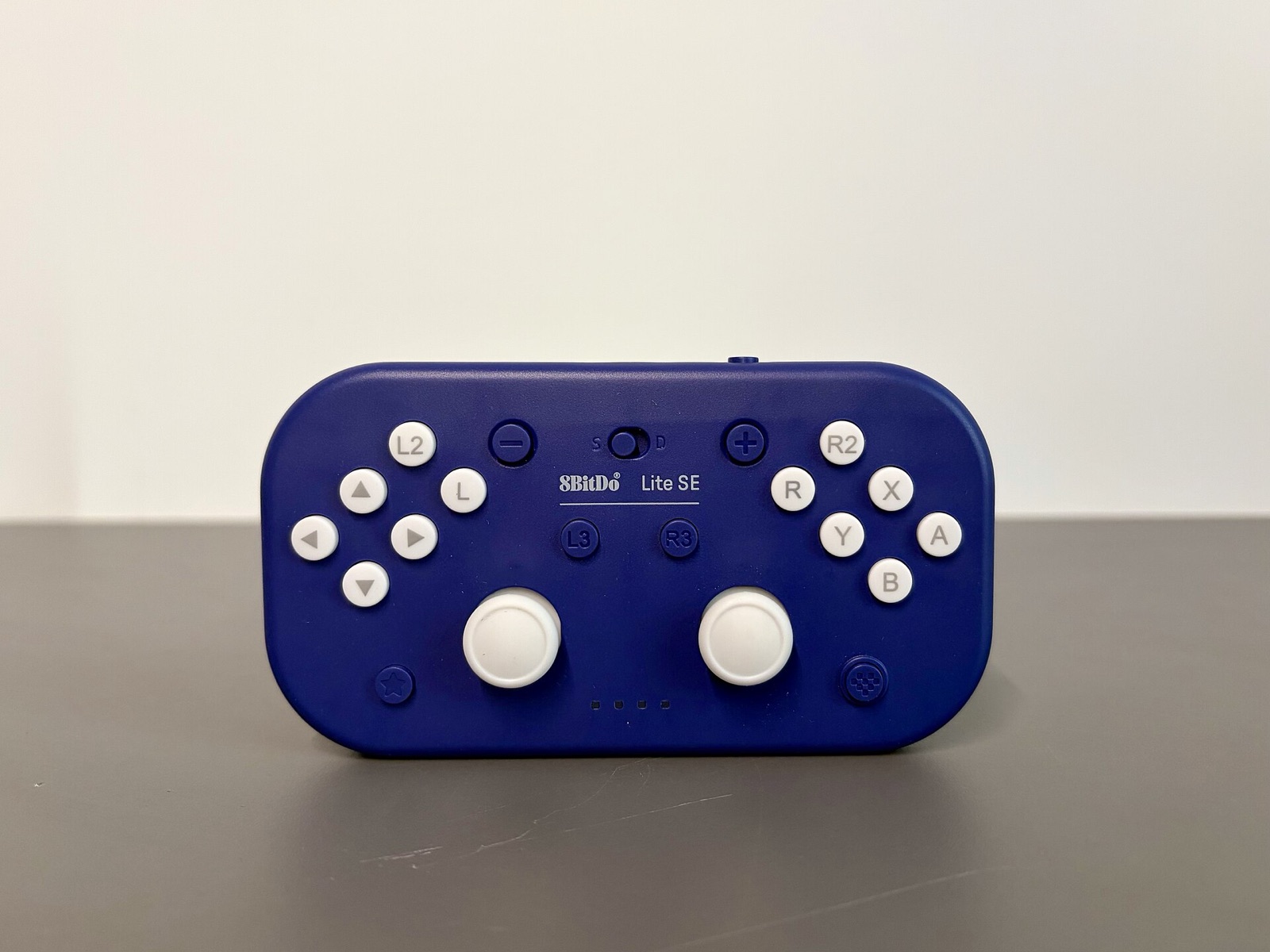
Verify your downloaded windows.zip or .AppImage archive right in your browser without uploading a single byte. Digests sync live with GitHub Releases.
Savage Wind Recomp uses SDL3 to read native gyroscopes, Steam Input hidden sensors, and Cemuhook DSU servers while matching on-screen button prompts automatically.
Hall-effect sticks, extra L4/R4 bumpers, and low-latency 2.4G wireless input recognized directly by Savage Wind Recomp's SDL3 gamepad layer.
Drift-free Hall sensors, swappable ABXY layout (button_layout = nintendo or xbox), and Switch-mode gyro for bow aiming and tilt shrines.
Symmetrical dual-stick controller with hardware Switch/X-Input mode switch, native 6-axis motion sensors over Bluetooth, and rear paddles for sprint/jump.
TMR electromagnetic sticks, 1000 Hz polling with gyro deduplication support, and native Switch Pro motion reporting on Windows and Linux.
Affiliate disclosure: As an Amazon Associate, savagewindrecomp.wiki earns from qualifying purchases at no added cost to you.
Direct technical answers grounded in the upstream SavageWindRecomp repository and documentation.
Savage Wind Recomp strictly requires your own legally owned Nintendo Switch copy of Breath of the Wild updated to version 1.9.0, already extracted into exefs/ and romfs/ directories (41,062 files in romfs/). Support for older versions such as 1.8.2 was retired upstream because function hooks and frame-pacing patches bind to exact v1.9.0 executable addresses.
Neither. Unlike an emulator, it does not interpret or JIT-compile Switch ARM64 instructions while you play; its setup step translates the game modules into C ahead of time and compiles a native host library. It also uses zero code from decompilation repositories, relying instead on automated binary lifting and its own MIT-licensed runtime.
Yes. The main campaign from the Shrine of Resurrection through all four Divine Beasts and Dark Beast Ganon is completable from start to credits, alongside Expansion Pass v3.0 (Master Mode, Trial of the Sword, Travel Medallion, and The Champions' Ballad) when aoc1/ and aoc2/ are kept in separate folders.
Every upstream alpha build on Revivedx/SavageWindRecomp is marked as a GitHub pre-release. GitHub's /releases/latest redirect ignores pre-releases and returns a 404 page when no stable non-prerelease tag exists. Always use the main /releases feed or the live build picker above.
Open Savage Wind Configuration (--config on Linux or the launcher screen on Windows) and press Update. It downloads the new package, verifies its detached .sig cryptographic signature, preserves your saves and savagewind.ini settings, and refreshes precompiled shader caches automatically.
Yes. Open Savage Wind Configuration, navigate to Settings > Saves, and select Import from Wii U / Cemu. The converter backs up your current save directory automatically before converting endianness and slot metadata.